Free & open source

Your spare tablet is a webcam.

CatCam turns any Android tablet into a crisp Windows webcam, over Wi-Fi or USB. Two installs, zero setup: they find each other.

Windows 11 (22H2+) · Android 8+ · same network, or a cable
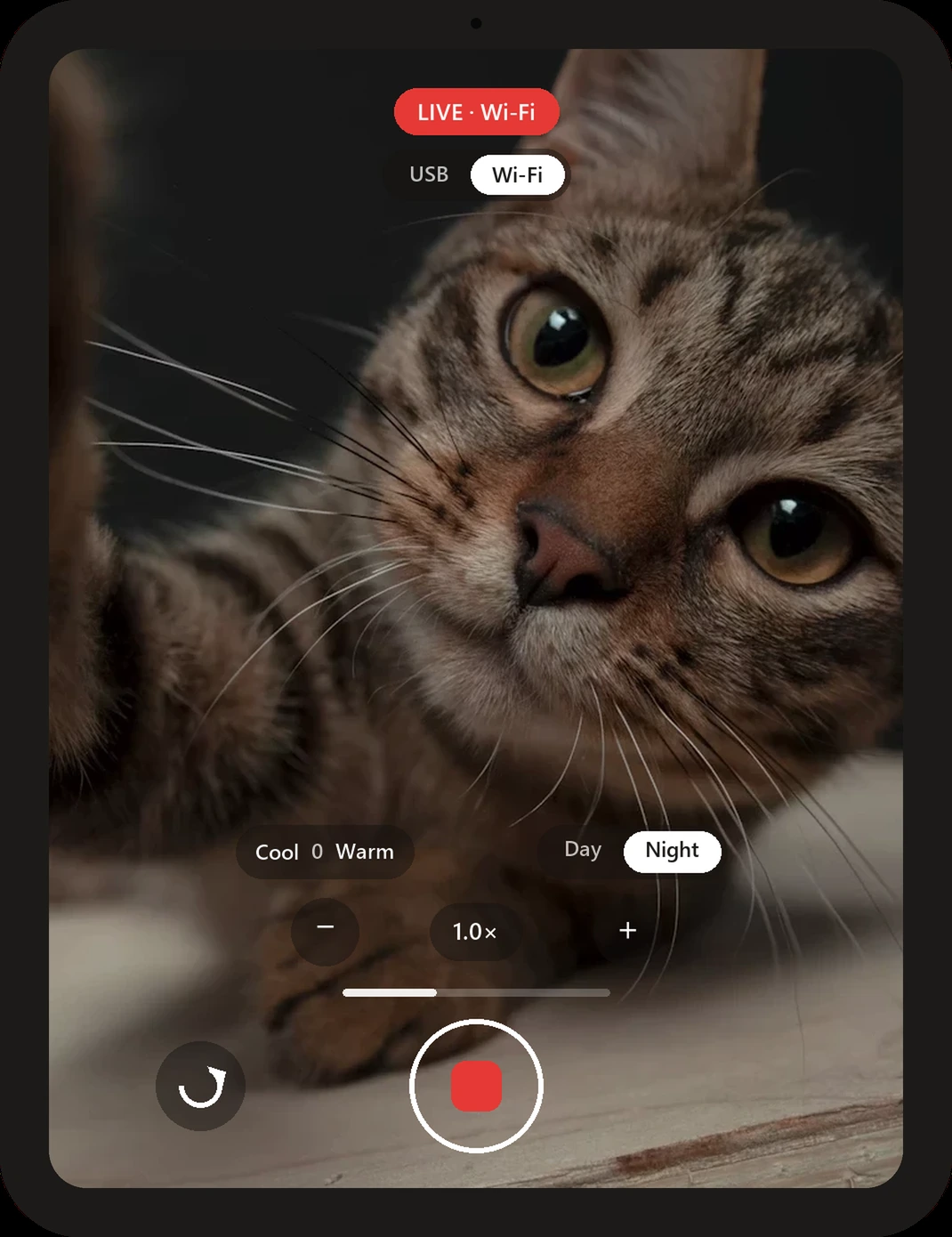
The CatCam app, live, watching a very important cat LIVE · Wi-Fi No cable neededor plug one in, your call Finds your PC by itselfno IPs, no pairing codes
Works with Teams, Zoom & Meet No cloud, no accounts GPL-2.0 open source

A webcam that gets out of your way

Everything below is shipped and real, not a roadmap.

Wi-Fi or USB. Switch mid-stream.

Stream cable-free over your home network, or plug in a USB cable for a wired link. Flip between the two from the tablet or from the PC's tray menu, whichever is closer, without stopping your call.

USBWi-Fi
Tablet Your PC

They find each other.

The tablet announces itself on your network and the PC connects on its own. No IP addresses, no QR codes, no pairing screens. If the tablet moves, the PC follows.

Frame it like a camera app.

Zoom with a tap, nudge the color warmer or cooler, and flip to a Night mode tuned for dark rooms. Each camera remembers its own settings, and the tablet preview shows exactly the frame your call receives.

1.0× +
Cool 0 Warm
DayNight

Up and running in three steps

1Install the PC app Run it on your Windows PC. A cat appears in your system tray.
2Install the tablet app Put CatCam on the spare tablet and press the big button.
3That's it "CatCam" shows up as a camera in Teams, Zoom and everything else.

Why CatCam is different

🔍Open, all the way down The whole thing is GPL-2.0 source you can read, build and change.
🏠Your network only Video goes tablet to PC, point to point. No servers exist.
📶Honest on weak Wi-Fi Quality adapts to what your network delivers instead of freezing.
🎙️Sound included The tablet mic streams alongside video, with a live level meter.

No cloud. No accounts. No kidding.

There is nothing to sign up for and nowhere for your video to go except your own PC. No analytics, no telemetry, no third-party services. The code is public, so this is checkable, not a promise.

Read the privacy policy